

Meyune
Tic-tac-toe, slowed right down.
One calm puzzle a night.
Not in the App Store yet.
- 1 puzzle a night
- 7 to 1 open every night, 7 PM to 1 AM, your local time
- How many? Find out. scenes and pieces to unlock
- 0 ads, accounts or tracking
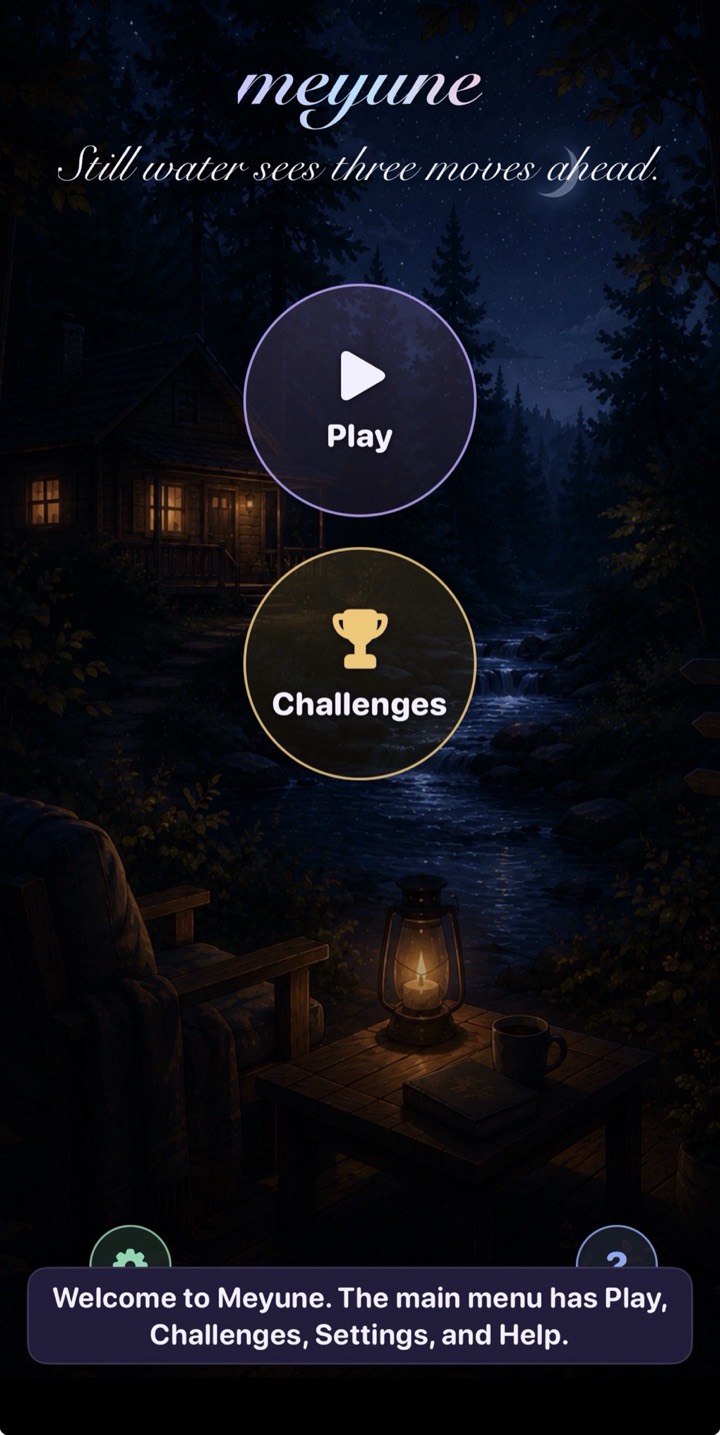
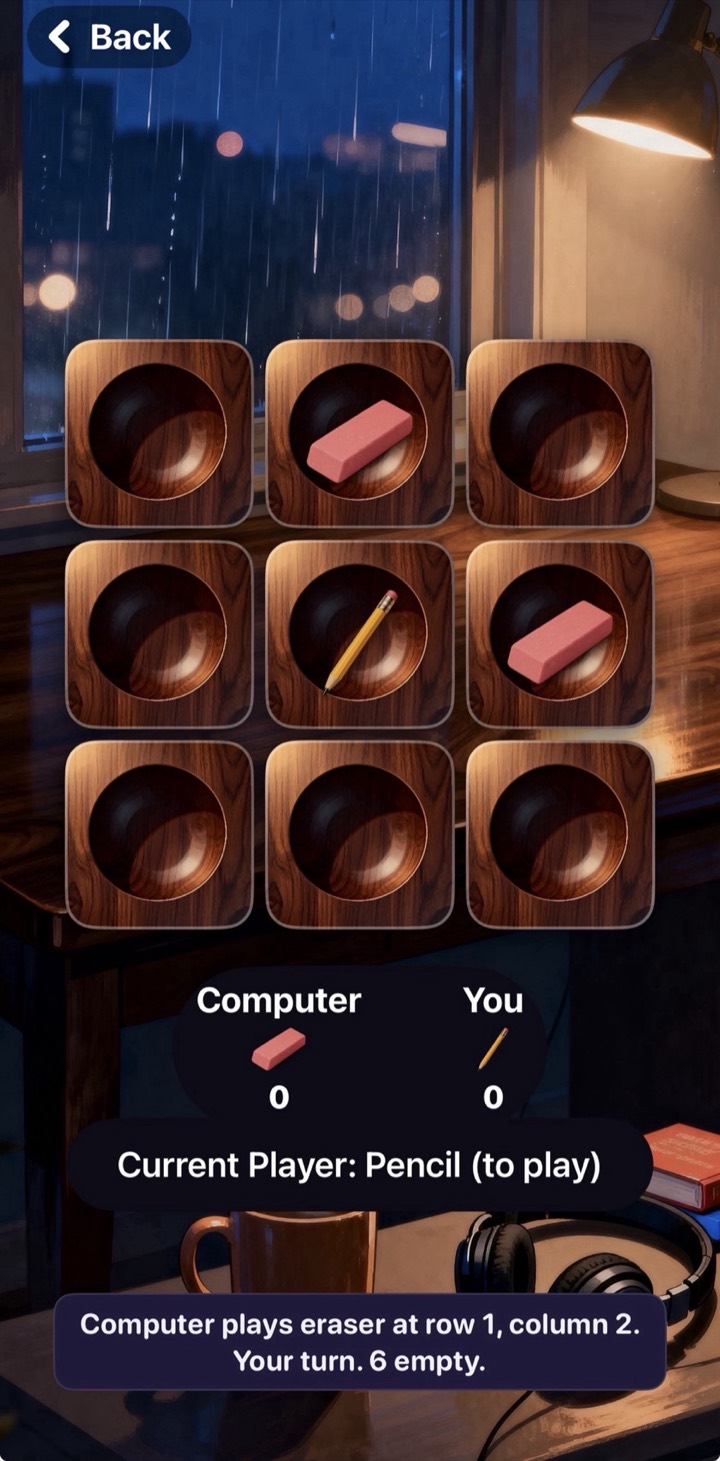
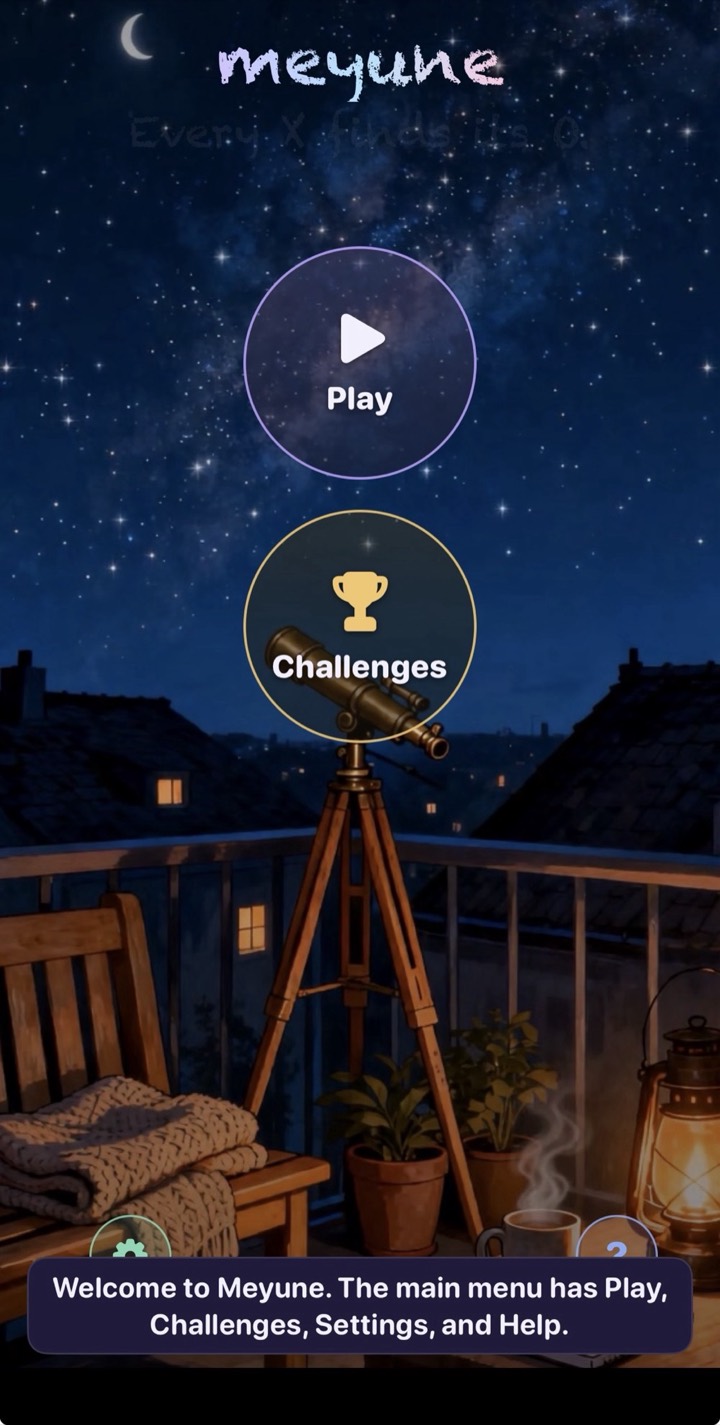
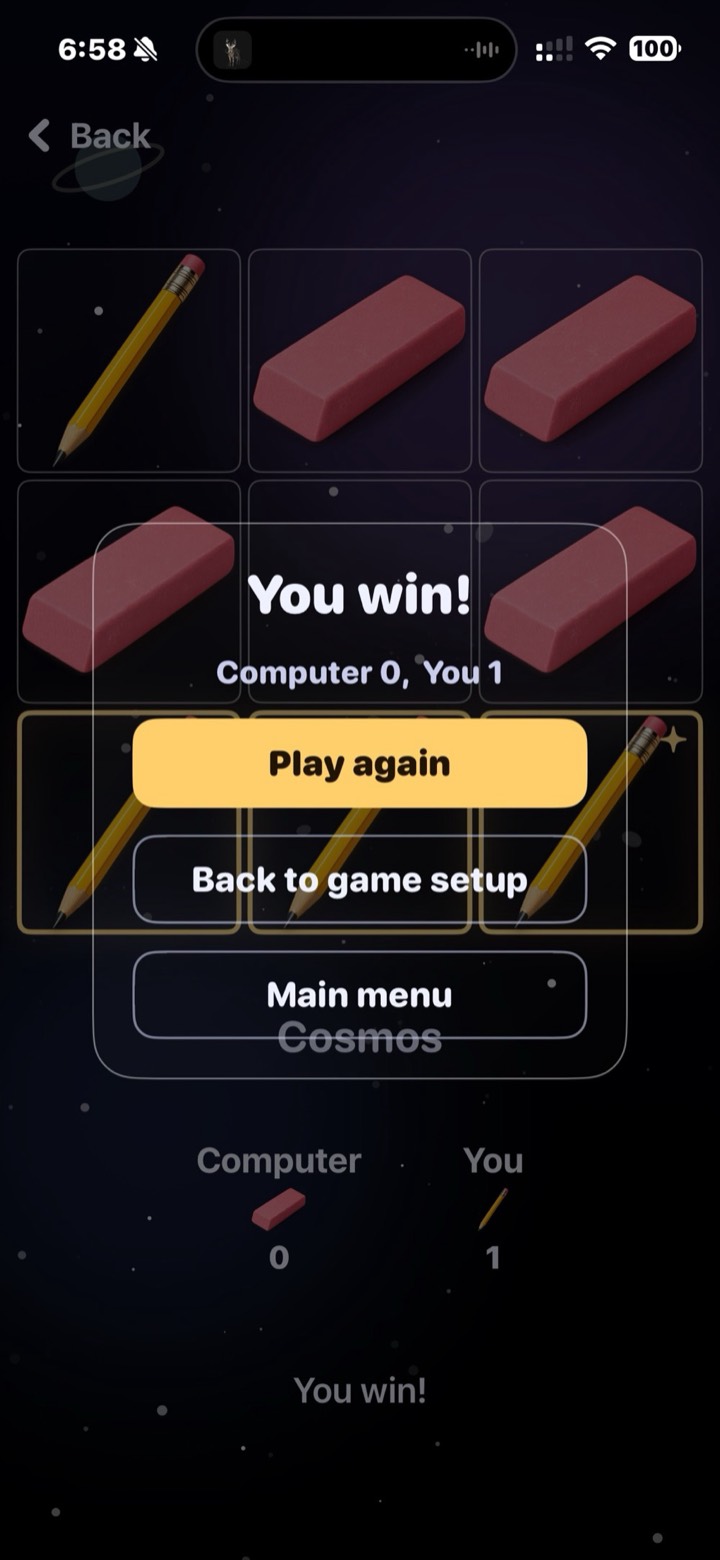
Screenshots
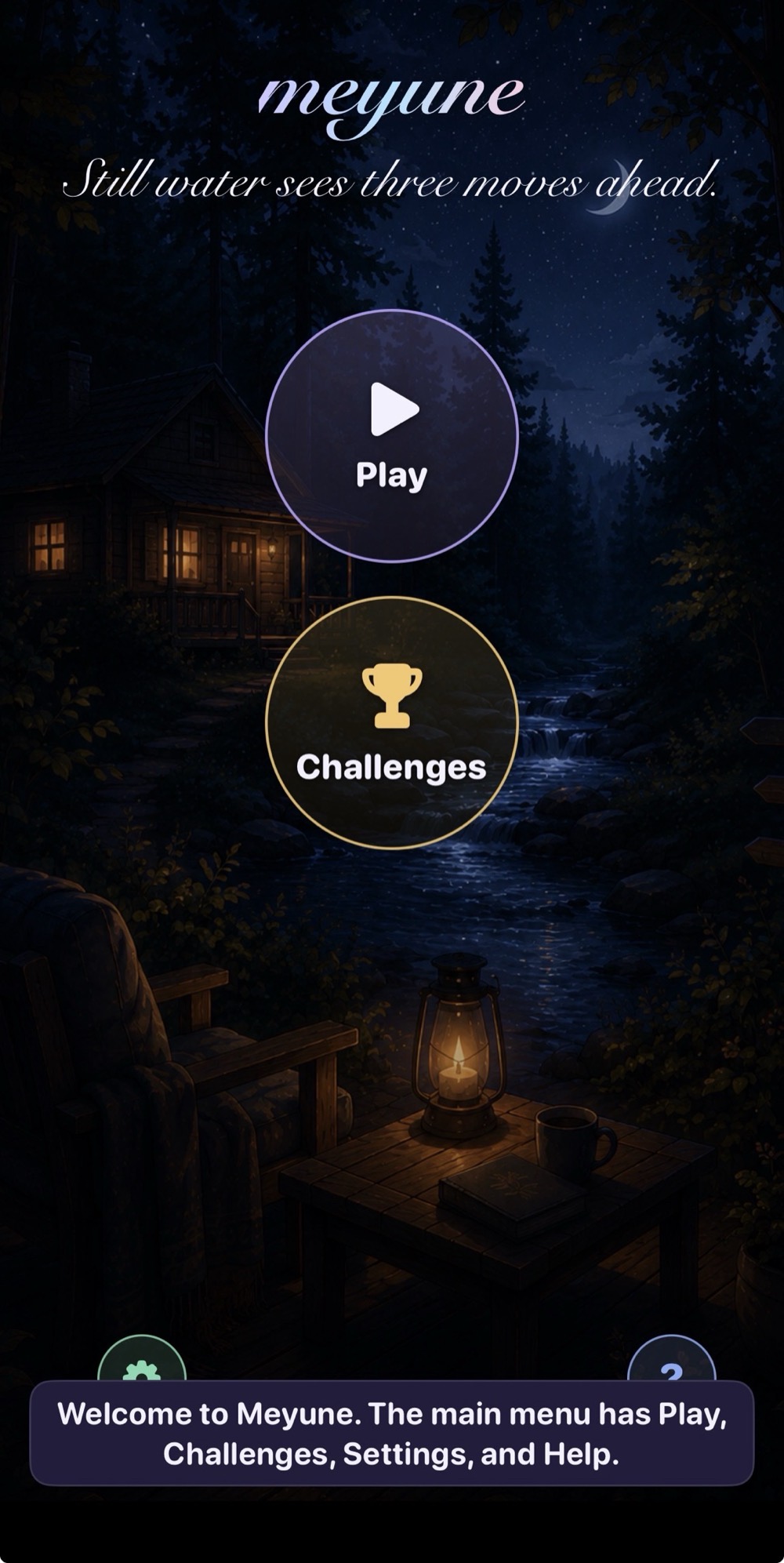 , open larger
 , open larger
 , open larger
 , open larger
How it sounds
Ten seconds says it better than a paragraph.
What you will hear: Ten seconds of Meyune's cues, as the app makes them: a square is focused and X then O land on the top row, then the middle row, then the bottom row; the same chime plays brighter on the top row and deeper on the bottom, so you hear which row without a word; then the three rising notes of a win.
The moves themselves are spoken, not chimed. Shake the phone and Meyune reads the board back. At the Pro level, the board part sounds like this: O in squares 5 and 6. X in squares 1 and 9.
Tonight, seven to one
The puzzle opens at seven and closes at one, on your own clock. It is the same board for everyone. Miss a night and a coffee break can cover it.
Meyune's reminders set the tone:
Played by ear
Hearing the board
- Shake the phone to hear where the pieces are.
- Rows are told apart by pitch: brighter at the top, deeper at the bottom.
- Three voices: Beginner names the piece and coaches, Advanced drops the coaching, Pro says only who and where.
Your settings
- Separate sliders for voice, music, effects and haptic strength.
- Night mode dims the scene and softens the voice.
- Two Siri shortcuts:
Play tonight's puzzle
andCheck my streak
. - Works with VoiceOver.
About Meyune
One puzzle opens every evening at seven. It closes at one. Solve it, grow a calm streak, and come back tomorrow. In between, play a friend on the same phone or anywhere in the world through Game Center. Or play the computer, from easy to impossible.
Meyune tells you what is on the screen.
No account. No ads. No tracking. Progress syncs through your own iCloud.
What is inside
Play your way.
- Same device: pass the phone back and forth.
- All around the world: turn-based online play through Game Center.
- Versus the computer, at a pace you choose.
Tonight's puzzle.
- One board a night, the same for everyone.
- A streak that counts nights, not pressure. Miss one and a coffee break can cover it.
- A home-screen widget that knows whether tonight is still open.
Make it yours.
- Scenes to unlock, each with its own music. You start in a lo-fi study. Where you go from there is yours to find.
- Pieces beyond X and O, each with its own sound when it lands. Which ones? Play and find out.
- Daily challenges and an unlock trail that opens as you play.
Along the way.
- The welcome tour opens by itself the first time, and again from Help, under Take the tour. Five short steps, Skip on each one, nothing timed.
- Breath pace is off until you turn it on, in Settings, under Playing. A soft tone rises and falls with your breath, and the computer answers on the out-breath.
- Each challenge you finish lays a gold seam on the mended bowl, in Challenges. A missed night leaves a crack, and the next challenge gilds it.
- Ear practice waits in Challenges, beside the daily challenges. The board plays a few of its row sounds, and you answer with the rows you heard.
- The collection lives in the Lounge, reached from Challenges. Things for the shelf, earned with music notes, never money, each with its own sound.
Accessibility, in detail
What it does today, and what is still being finished.
Controls.
- Shake the phone to hear the board. Anywhere else, shake repeats the last line.
- A two-finger double tap stops speech.
- On the board, VoiceOver offers three actions: Hint, Read board and New game.
- With a keyboard, 1 to 9 place a piece. N, H and R give new game, hint and read. Q goes back. The question mark lists the keys.
- Two Siri shortcuts: Play tonight's puzzle in Meyune, and Check my streak in Meyune. The streak answer comes without opening the app.
- A home-screen and lock-screen widget that VoiceOver reads as one spoken summary.
Hearing the game.
- Each row has its own pitch: higher at the top, lower at the bottom.
- A refused tap plays two low falling notes in that row's pitch.
- Pieces beyond X and O have their own sounds for landing, winning and losing.
- Read-back names only the occupied squares, O's first.
- Music and effects get quieter while speech plays.
Reading and speech.
- Controls carry VoiceOver names, and each square says what is on it. Automated tests check the screens.
- Self-voicing you can switch on, so the game speaks without VoiceOver. Off by default.
- Three speech levels: Beginner says everything, Advanced only key events, Pro calls squares 1 to 9.
- Captions are on by default and mirror what is spoken.
- Speech rate is a slider. Voice, music and effects have separate volumes.
Visual.
- Text follows Dynamic Type, up to the largest accessibility sizes.
- Reduce Motion, Reduce Transparency and Increase Contrast each switch to a still or solid version.
- Differentiate Without Color adds a shape marker to each menu choice and a heavier ring on tonight.
- Text contrast aims for 7:1.
- Night mode dims the scene and makes the game's own voice quieter, slower and lower, with a sleep timer.
- Buttons on the board and in the menus are built at 44 points or more.
Haptics.
- Sound cues come with a matching vibration, with a strength setting.
- Wins, losses and refused taps use the system's success, warning and error patterns.
Not yet.
- Sound tells you the row, not the column. The spoken move covers that.
- iPhone play is portrait only.
Details
- Price
- Free. No in-app purchases.
- Age rating
- 4+ (expected).
- Requires
- iOS 17 or later.
- Devices
- iPhone and iPad.
- Data collected
- None.
- Status
- Coming soon.
- Support
- support@kintsugiplay.com