 Software, built blind-first
Games / Sonavyr

Sonavyr
Small ship. Big distance.
Coming soon
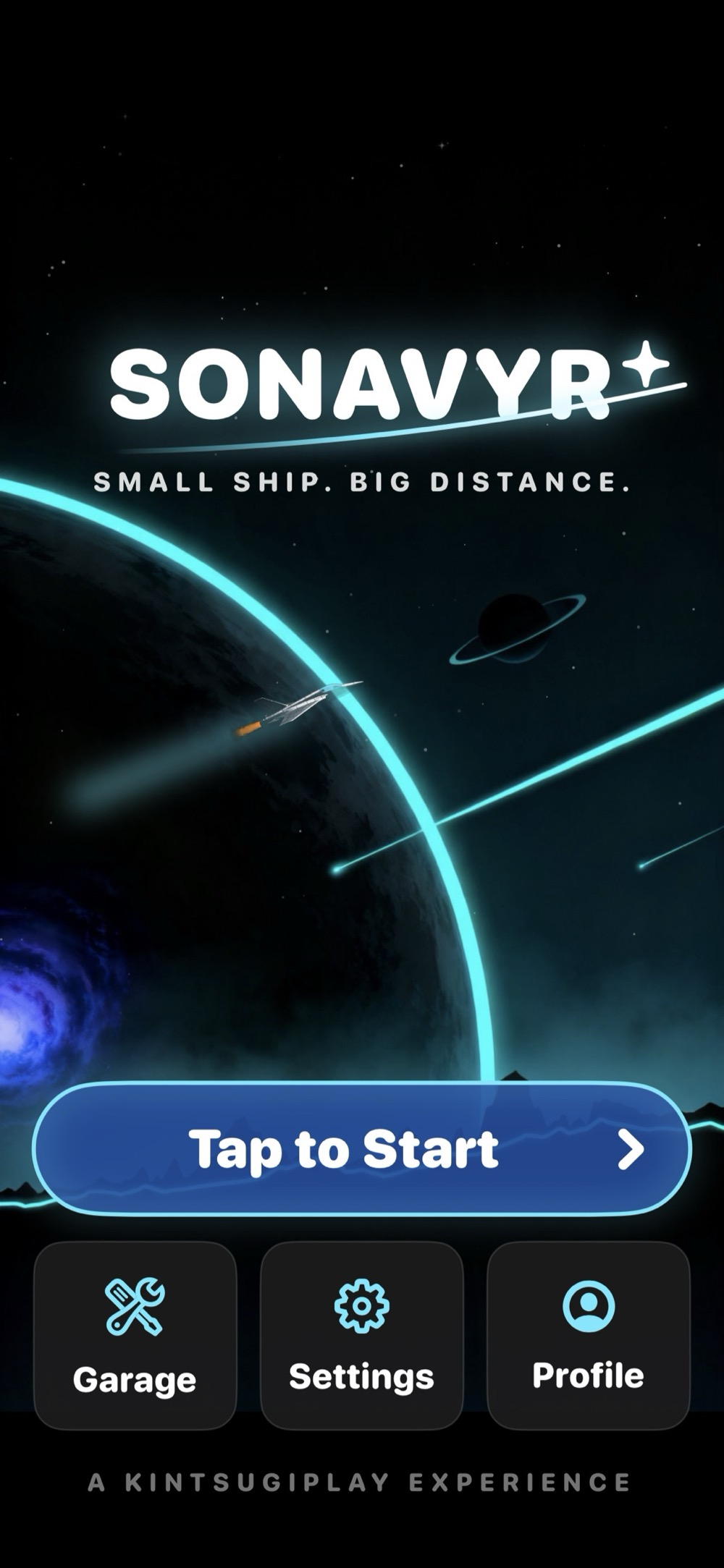
Sonavyr is not in the App Store yet. The screenshots below are from the game running.
Screenshots
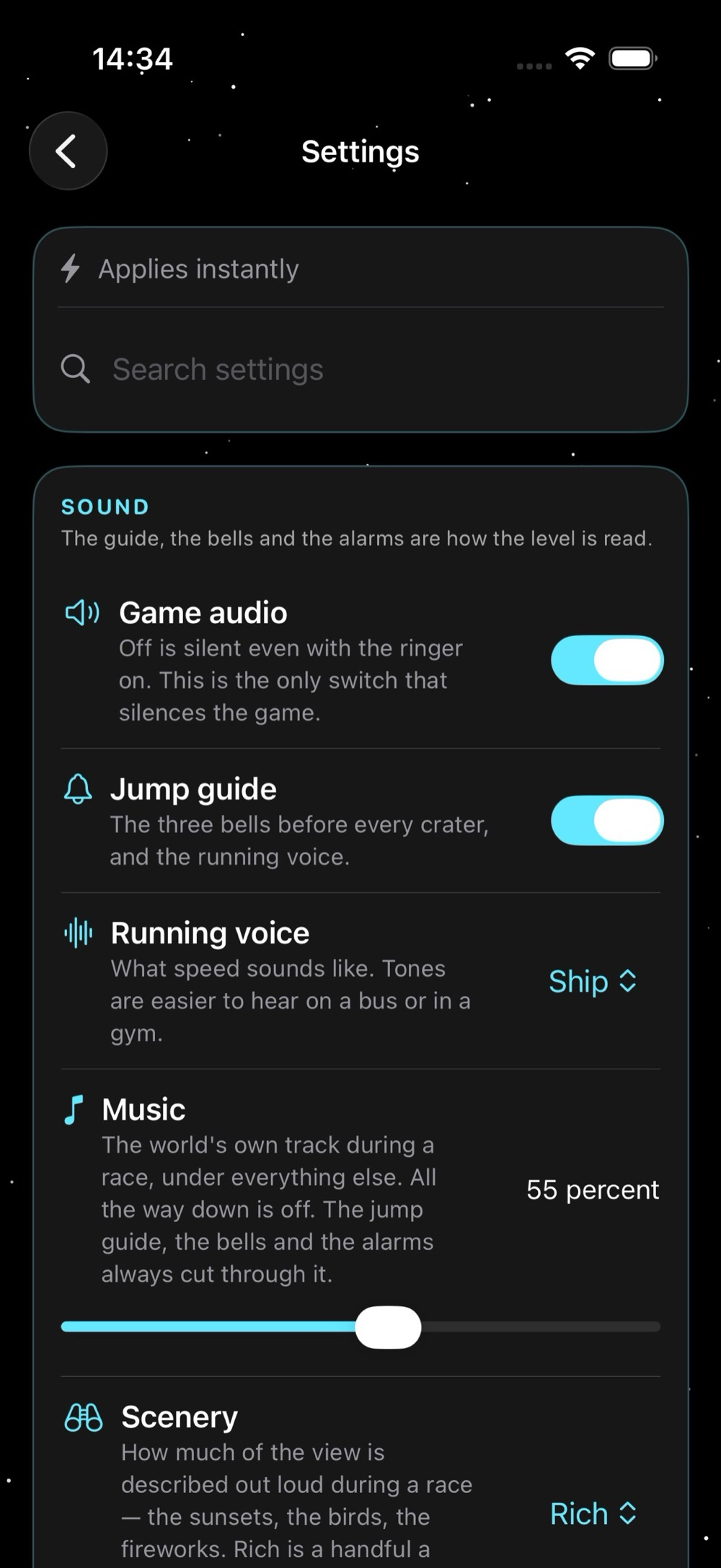
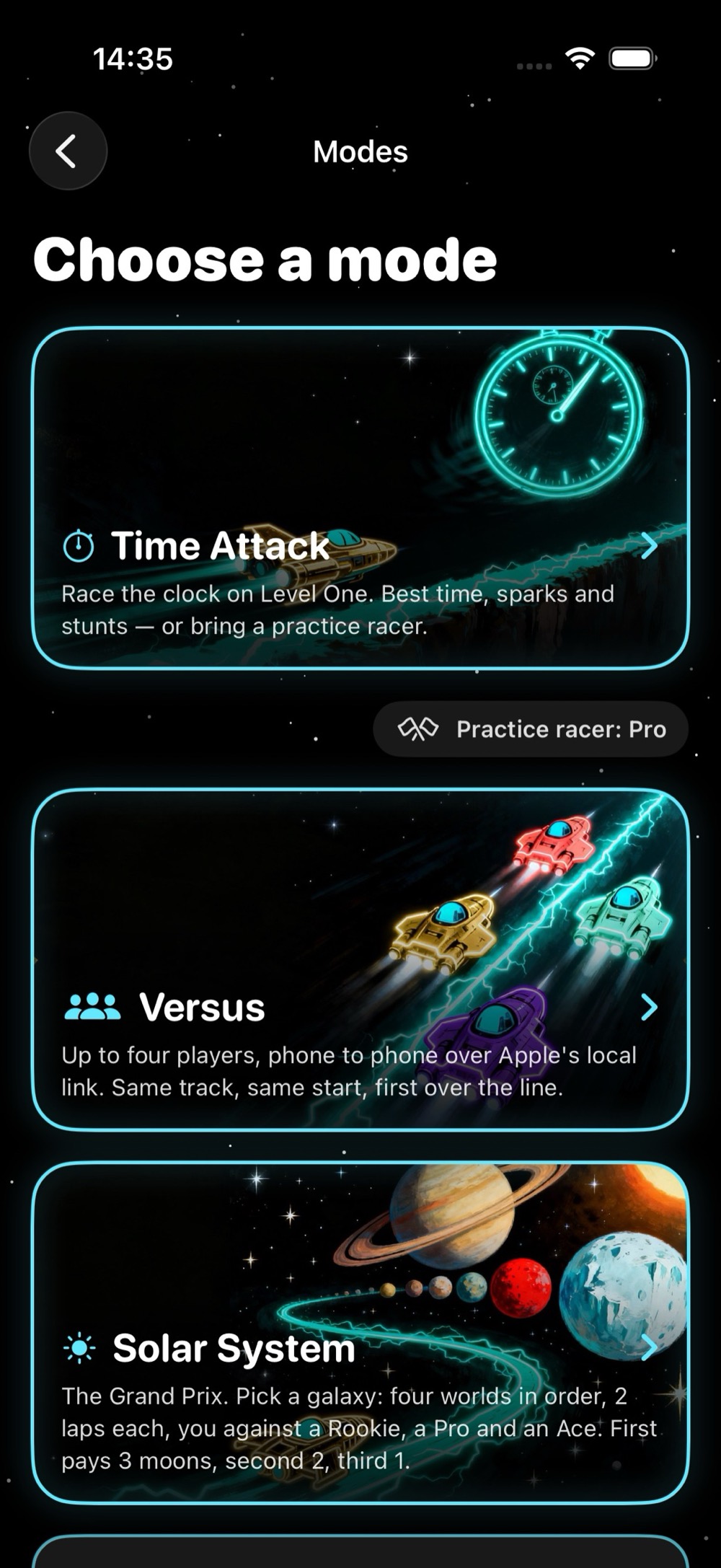
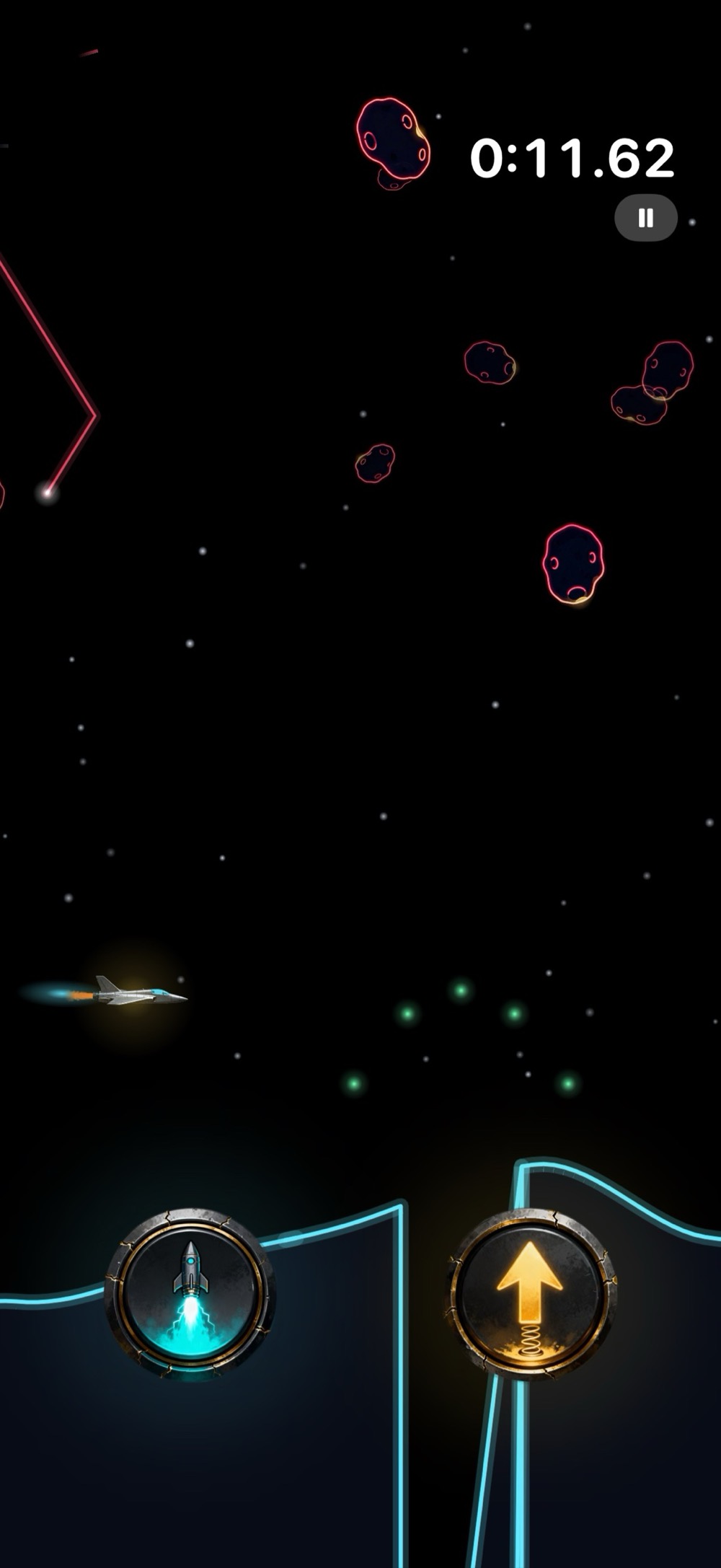
About Sonavyr
Sonavyr is a racing game you can play with the screen off. Every world is described through sound: a thermal's tone rises as you climb it, a star bridge's chord is in tune at full throttle and wobbles as you slow, and the King's roar swells as his shadow closes on you.
Race the clock, race friends phone to phone, or run the Grand Prix across a solar system of worlds.
A Kintsugiplay experience.
No crash reporting. No analytics.
What is inside
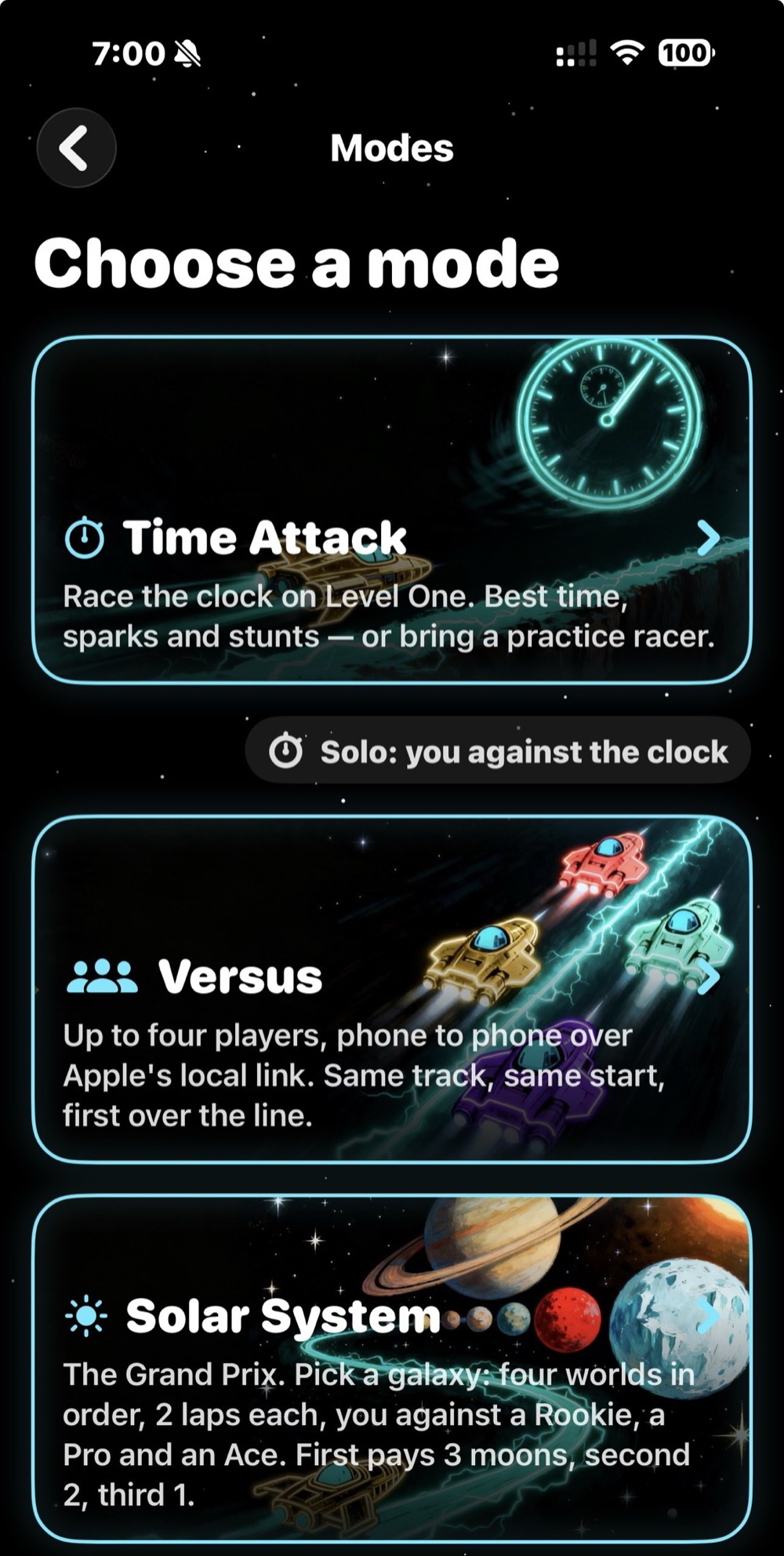
Three ways to race
- Time Attack: race the clock on Level One. Best time, sparks and stunts, or bring a practice rival.
- Versus: up to four players, phone to phone over Apple's local link. Same track, same start, first over the line.
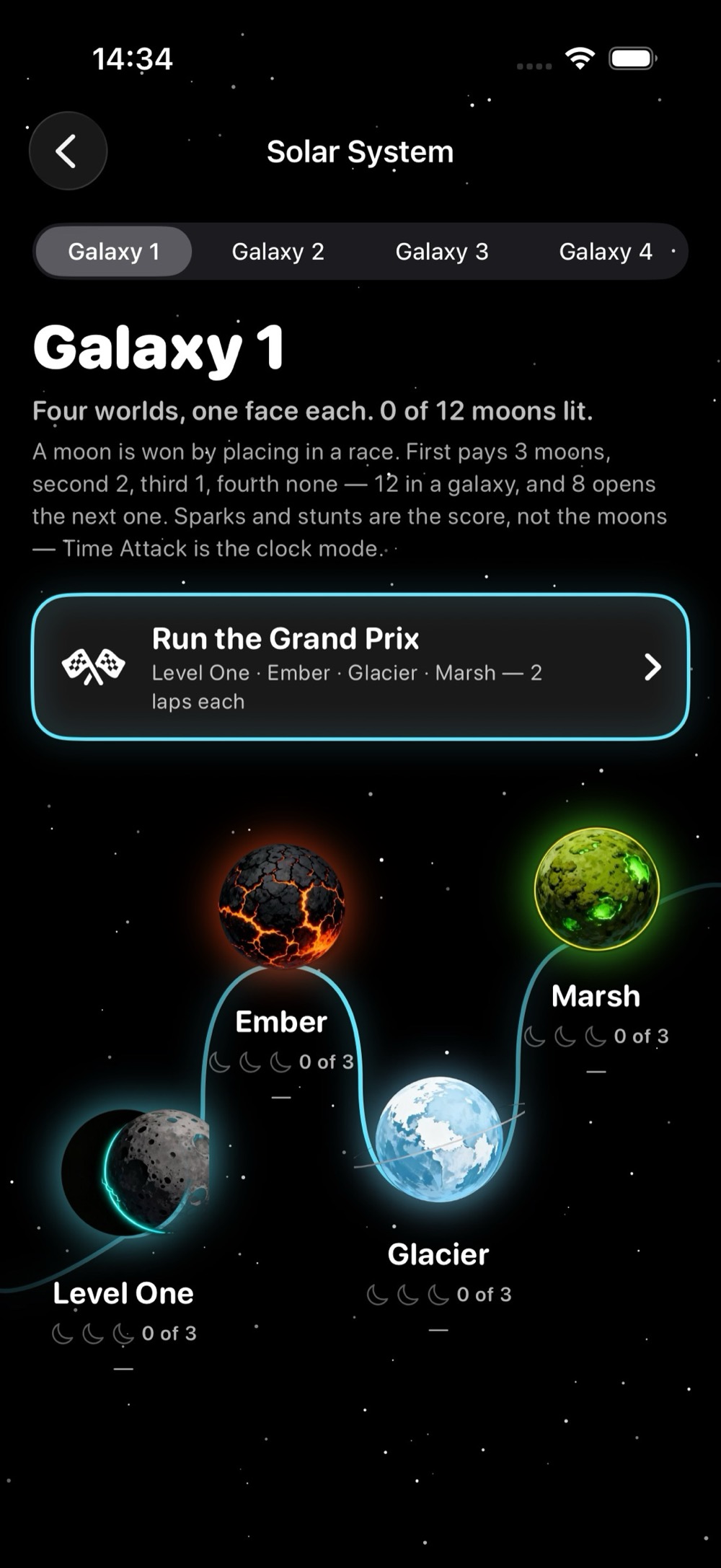
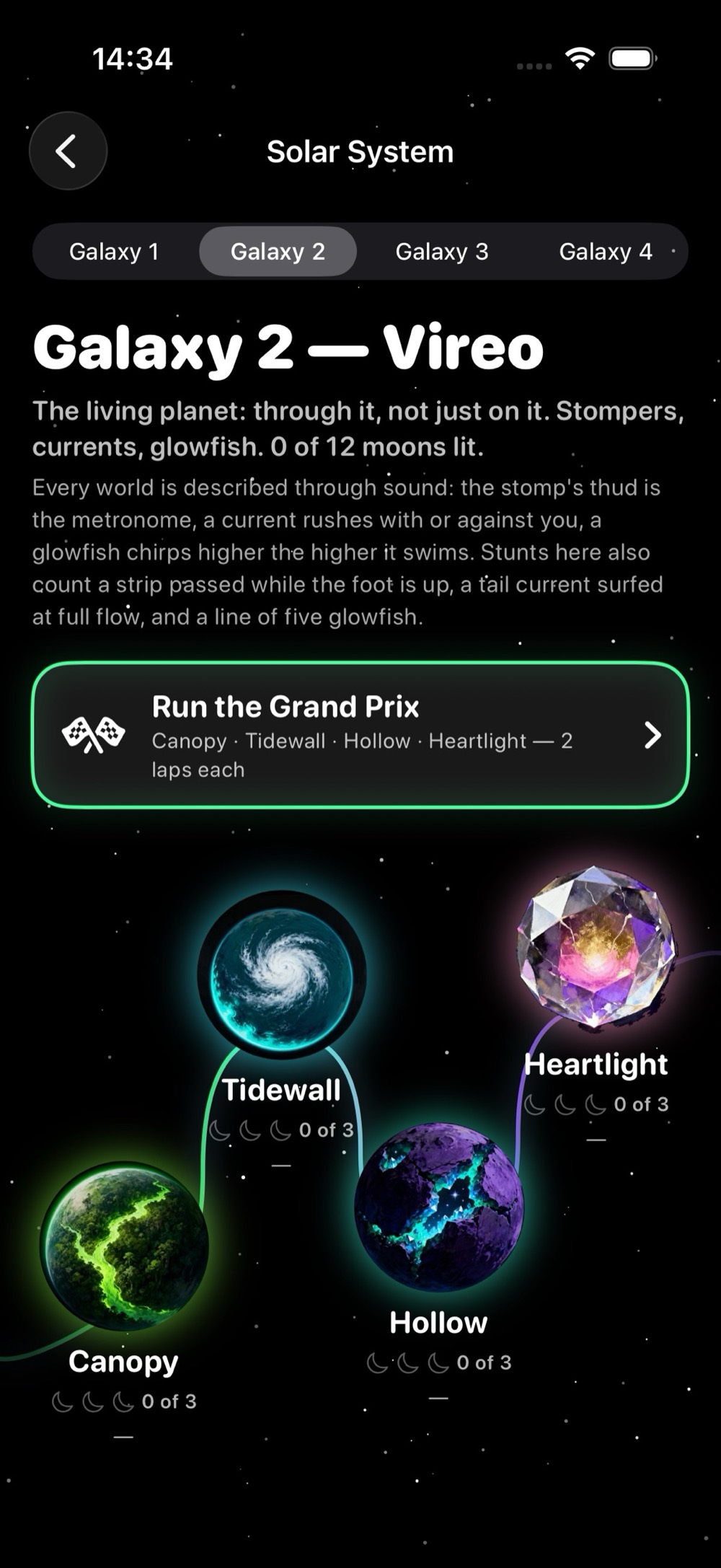
- Solar System, the Grand Prix: pick a galaxy of four worlds in order, three laps each, you against a Rookie, a Pro and an Ace. First pays 3 moons, second 2, third 1.
Worlds to hear
- Vireo, the living planet: through it, not just on it. Stompers, currents, glowfish.
- Cael, the sky kingdom: over the mountains, not along them. Thermals, star bridges, the King.
- Home, Earth itself: a city at night, a forest at sunrise, a beach at sunset. Traffic, spans, the tide.
- Home is the quiet galaxy: nothing comes from space here, only fireworks, twice over the city. Everything is real sound instead.
Your garage and your profile
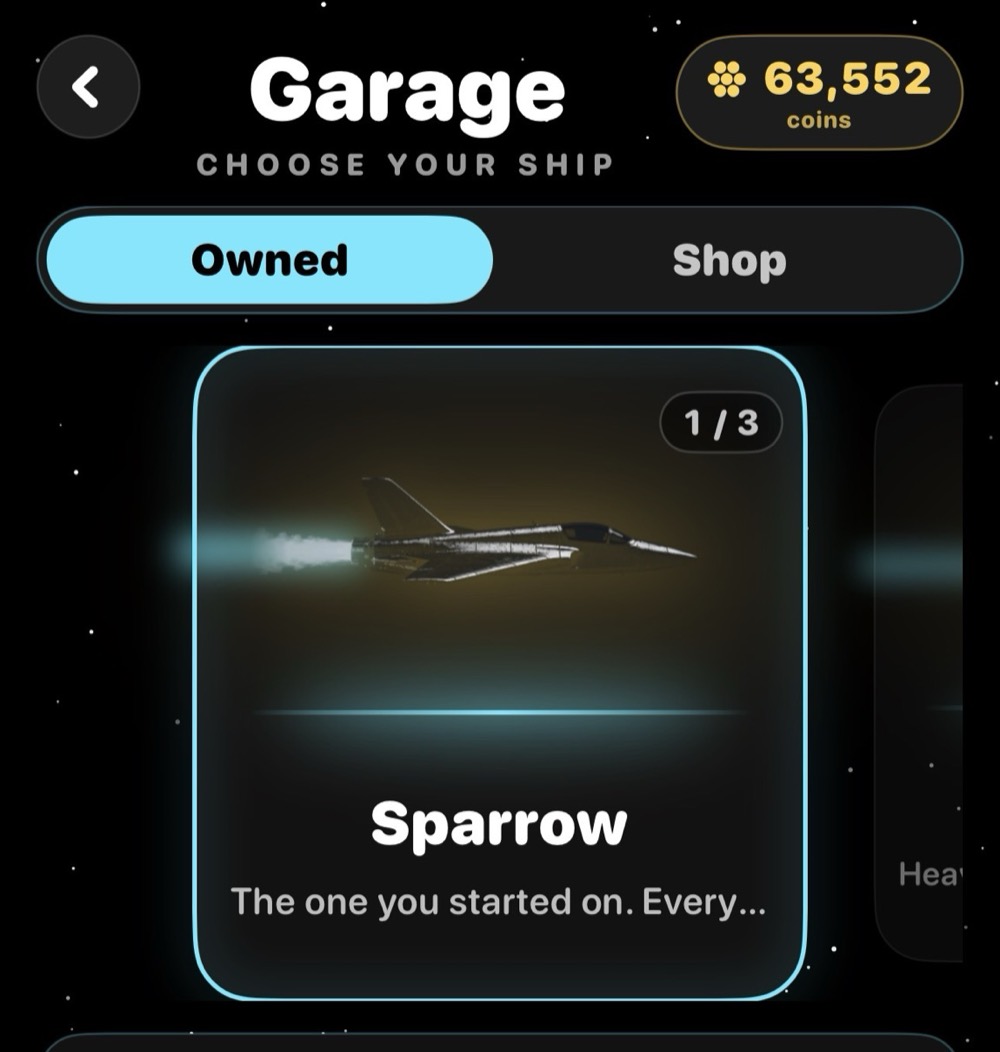
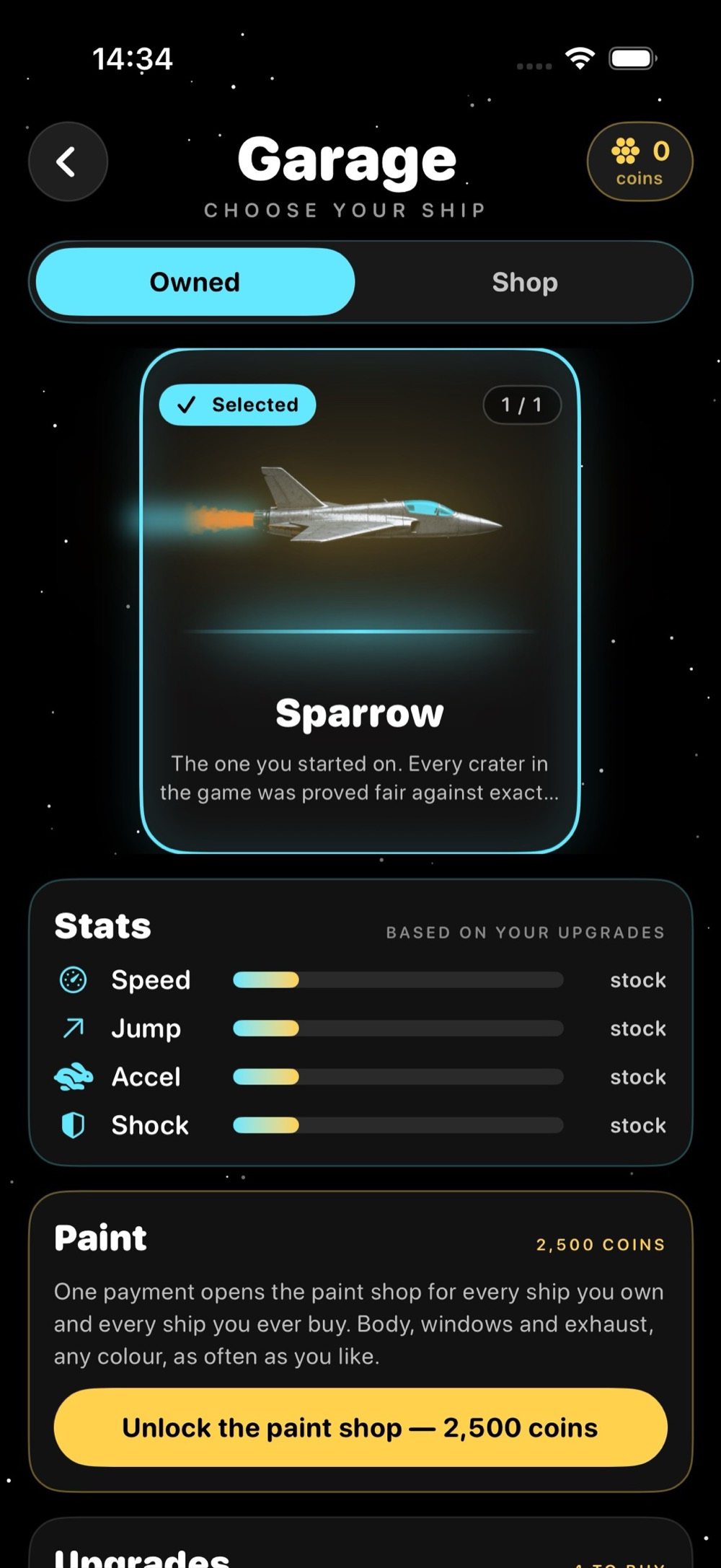
- The Garage: vehicles and upgrades. Coins bank on crossing the line.
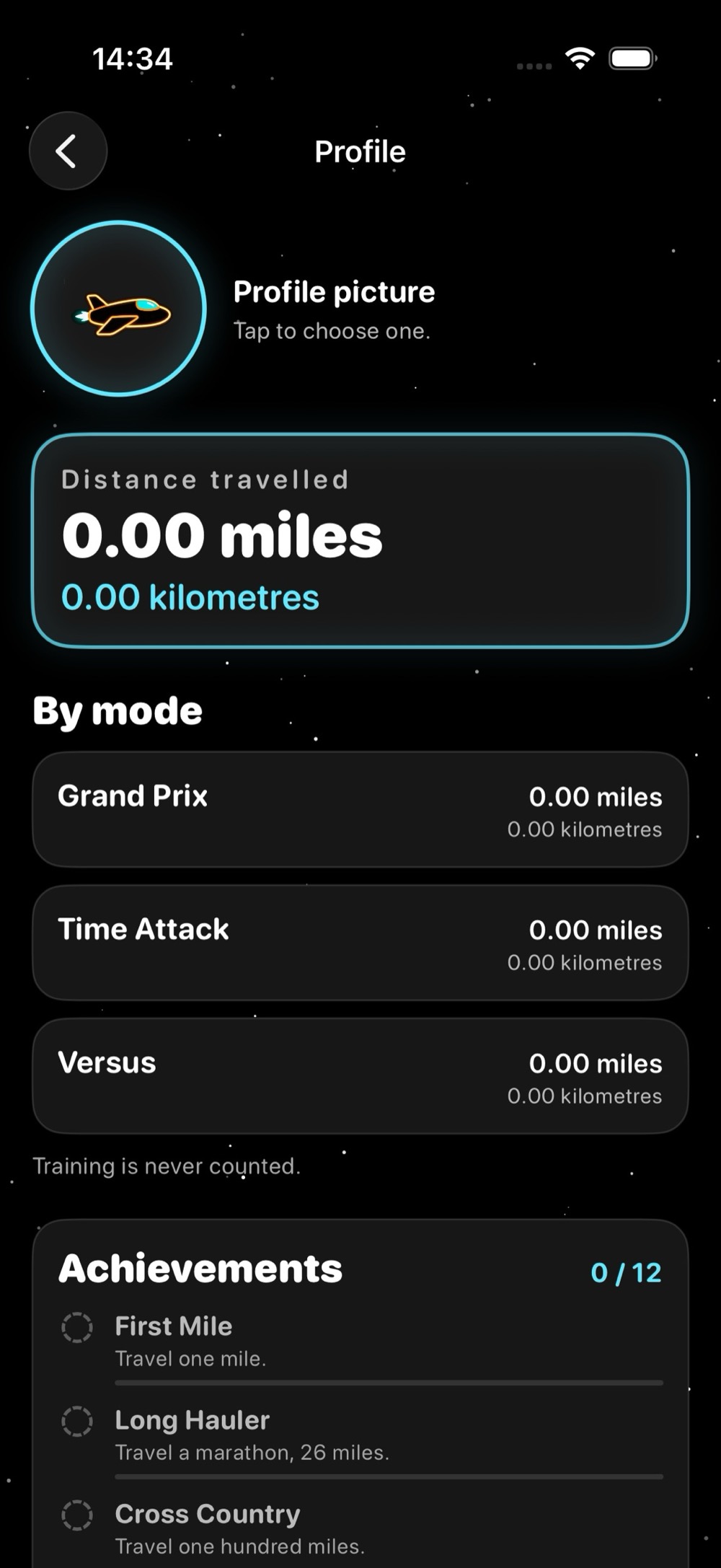
- Twelve achievements worked out from how far you have gone, the worlds you have visited and the moons you have won.
- A locked achievement tells you its progress, such as 4 of 16 worlds, instead of showing a padlock.
Built blind-first
- Designed VoiceOver-first throughout, with a level you can read entirely through sound.
- Dynamic Type, Reduce Motion, Increase Contrast and Switch Control supported.
- A haptics-only mode for a deafblind player.
- Self-voicing speech with a real priority ladder, and sound that ducks so speech is never masked.
Details
- Platform
- iPhone
- Languages
- English.