

Solyr
Table tennis, played by ear.
Hear the bounce. Swing on the beat.
Not in the App Store yet.
- 2 ways to play
- How many? Find out. rungs on the ladder
- 0 accounts, no server
- 3 ways to hit
Screenshots
 , open larger
 , open larger
 , open larger
 , open larger
 , open larger
How it sounds
A rally is a beat. Listen for the bounce on your side, then swing on the next one.
What you will hear: Twelve seconds of Solyr's own sounds: the ready cue; then a rally on the beat, the opponent strikes, the ball bounces on your side, a forehand swing and the paddle connects, the ball bounces on their side; a second exchange on the backhand; the ball clips the net; the point is yours; the crowd.
Left and right are told apart by pitch and by where the sound sits, never by stereo alone. The opponent's side is quieter and muffled; yours is bright.
About Solyr
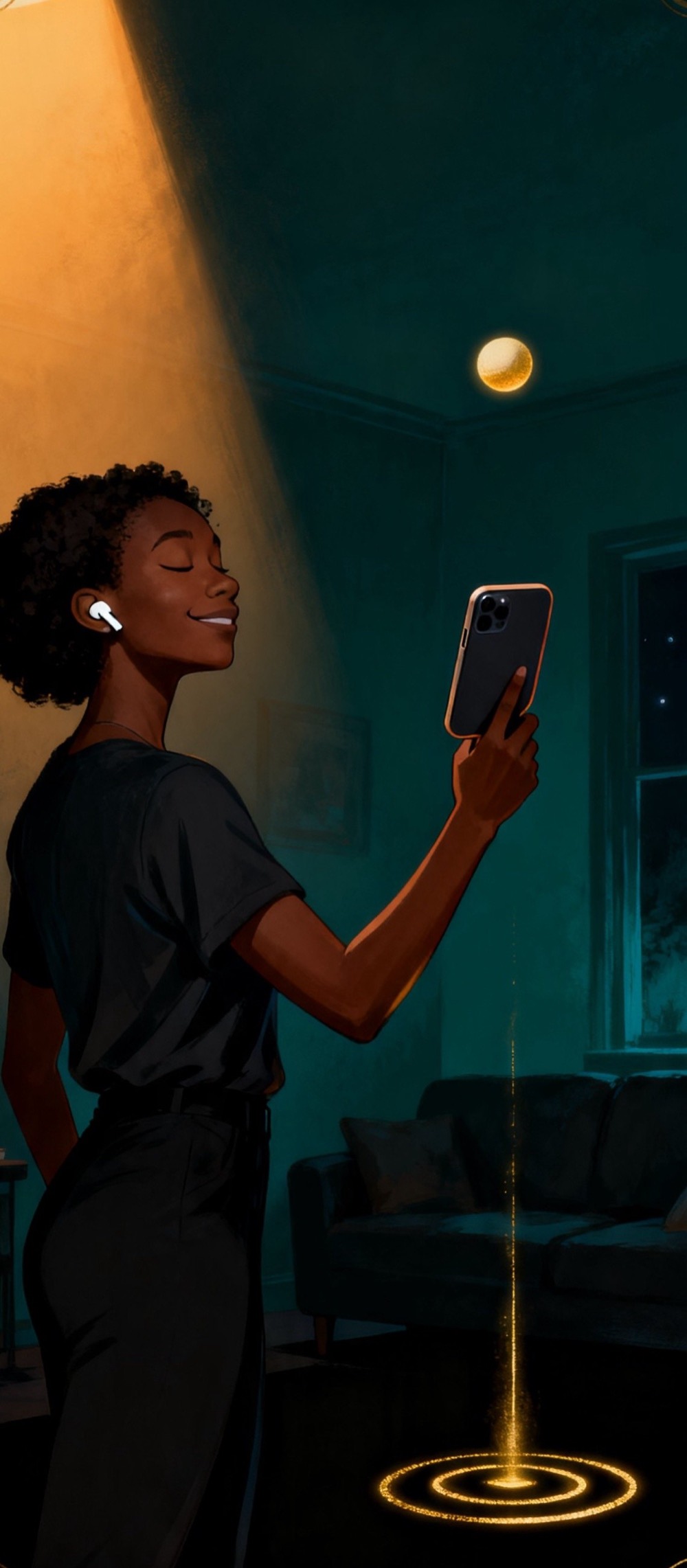
You hold the phone like a paddle, listen for the ball bouncing on your side of the table, and make a short forehand or backhand wrist swing on the next beat. The steady tempo itself tells you when to swing.
Hold the phone securely, use short wrist movements, and make sure the space around you is clear.
What is inside
Two ways to play.
- Vs Computer: practice solo, then climb the opponent ladder. How high it goes, you find out rung by rung.
- 1 vs 1: one phone each, over Wi-Fi or Bluetooth, with no account and no server.
- Calibrate your swing: record your own swings and the game learns them. No angle to hold, no position to get into.
Played by ear.
- Left and right are coded by pitch and pan, never by stereo alone.
- Sounds from the opponent's side are quieter and muffled, so you can hear where the ball is.
- Ball speed and paddle size are real difficulty settings, not cosmetics.
Without the screen.
- Every control has a VoiceOver label, value and hint.
- Shake the phone for a full readback of the match at any time.
- A one-finger long press or a two-finger tap silences speech.
- A court control strip with Read state, Silence and Coach, and captions for everything spoken.
- Choose a voice level: beginner, advanced or pro, with a speech-rate slider.
- Auto-Return returns every ball, so you can follow the rhythm of a rally without swinging at all.
- Color is never the only signal, touch targets are at least 44 points, and contrast is at least 7 to 1.
Accessibility, in detail
What it does today, and what is still being finished.
Controls.
- Three ways to hit: swing the phone, tap, or both. With motion off, the game falls back to tap.
- Tap aiming: the top half of the screen sends the ball left, the bottom half sends it right.
- Calibration is guided and spoken: pick your hand, record three swings each side, hold still, then play three balls so it learns your tempo.
- Auto-Return returns every ball, so you can follow a rally without swinging.
- Ball speed and paddle size each have three settings; they change the real timing window.
- A court strip with Read state, Silence and Coach, so Switch Control and Voice Control have buttons instead of gestures.
Hearing the game.
- A rally is an even beat: opponent strike, bounce on your side, your hit, far bounce. You swing on the next beat.
- Left is pitched down and panned left, right is pitched up and panned right; direction is never stereo alone.
- Sounds from the opponent's side are quieter and muffled; your side is full and bright.
- Spatial audio is on by default and falls back to pitch and pan if the device cannot do it.
- No music during a rally.
- Shake the phone for a full read-back of the match; shakes during a live rally are ignored.
- Silence speech with a two-finger tap or a one-finger press and hold.
Reading and speech.
- One announcer for everything: VoiceOver when it is on, the game's own voice when it is not.
- Self-voicing is on by default; menus speak when you arrive on them.
- Three voice levels, Beginner, Advanced and Pro, each with a Try it preview.
- Speech rate slider; speech and effects volumes are separate; effects duck while the voice speaks.
- Captions are on by default and stay for eight seconds.
- Every control has a VoiceOver label, value and hint.
Visual.
- System fonts that follow Dynamic Type; rows stack at accessibility sizes.
- Reduce Motion is respected on every screen, the splash included.
- Contrast of 7 to 1 or better on text; colour is never the only signal.
- Touch targets at least 44 points; the court buttons are 52.
- The court picture can be switched off and the game stays fully playable.
Haptics.
- Ready, bounce, contact, net, a milestone every five hits, and miss each have their own pattern, always paired with a sound.
- Haptics have an on-off switch and a strength slider.
Not yet.
- Still in beta: swing timing is being tuned on real phones, and 1 vs 1 is still being tested on two devices.
- English only at launch; French, German, Spanish and Italian are planned.
- The umpire's calls are synthesized speech, not a recorded voice.
Details
- Price
- To be announced. No coins, no ads.
- Age rating
- 4+ (expected).
- Requires
- iOS 26 or later.
- Devices
- iPhone.
- Status
- In beta. Not yet submitted to the App Store.